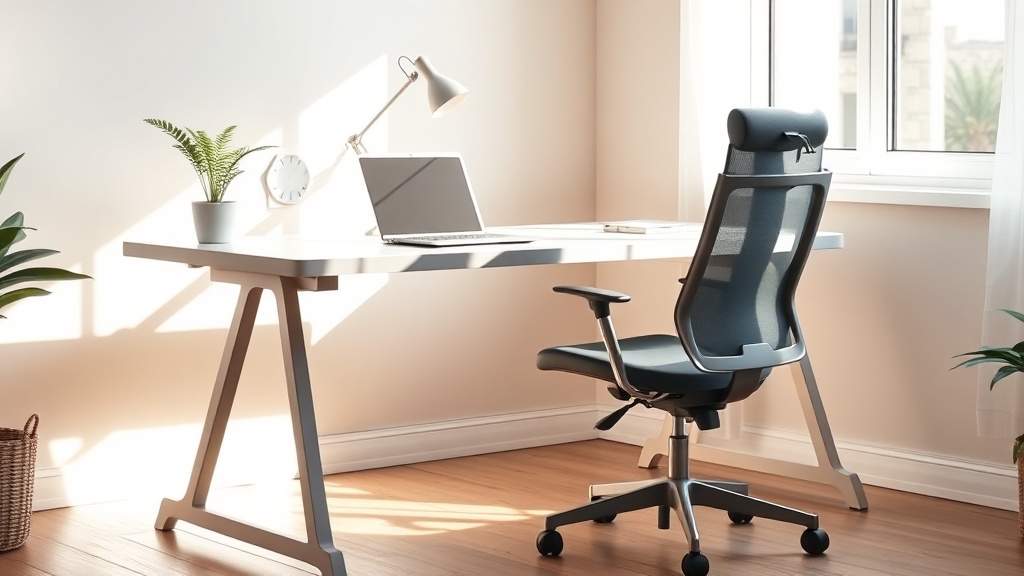
DIY Home Office Ergonomics for Remote Workers: Low‑Cost Tips to Boost Comfort & Productivity

Ever feel like your back is staging a protest after a day of Zoom calls? You’re not alone—remote workers are reporting more aches, strains, and “couch‑office” fatigue than ever before. The good news? You don’t need a pricey ergonomic suite to feel better. A few smart tweaks can turn your kitchen table into a posture‑friendly workstation.
Why does ergonomics matter for remote work?
When you’re glued to a screen for eight‑plus hours, poor posture can sap energy, cause chronic pain, and even lower your focus. A 2026 Remote Work Well‑Being Survey found that 22% of respondents cited uncomfortable chairs and desks as the top improvement they wanted. Fixing that can add up to 125 extra productive hours a year (see Rackora Pro).
What are the three budget‑friendly pillars of a healthy home office?
- Seat Support — A decent chair with lumbar support or a simple cushion.
- Desk Height & Layout — Keep elbows at 90°, screen at eye level.
- Movement & Micro‑breaks — Stretch, stand, and adjust every hour.
How can I upgrade my chair without breaking the bank?
Start with a budget‑friendly ergonomic chair (around $80) or add a lumbar roll ($15‑$20). I tested a memory‑foam cushion on my old dining chair for a week—my neck pain vanished within three days.
How do I set my monitor at the right height on a low desk?
Use a stack of sturdy books or a adjustable laptop stand. The top of the screen should sit just below eye level; you shouldn’t have to tilt your head up or down.
What cheap accessories can I add for better posture?
- Footrest — A simple foam footrest keeps knees at a 90° angle.
- Keyboard Tray — If your desk is too high, a DIY wooden tray can lower it.
- Desk Lamp — Proper lighting reduces eye strain; a $20 LED lamp does the trick.
When should I consider a standing desk?
If you can spare $100‑$150 for a manual crank desk, it’s worth it. Alternating between sitting and standing every 30‑45 minutes improves circulation and cuts back pain. I switched to a sit‑stand routine during my last project launch and noticed a clear boost in focus.
What micro‑break routine works best?
The Robert Half 2026 survey showed that workers who take a 2‑minute stretch every hour report 30% higher productivity. Try the 20‑20‑20 rule for eyes (every 20 min, look 20 ft away for 20 sec) and a quick shoulder roll.
Takeaway
Ergonomic comfort doesn’t have to cost a fortune. Start with a supportive seat, raise your screen, add a footrest, and schedule regular micro‑breaks. In my next post I’ll share a printable checklist to keep your home office tidy—because a clean space equals a clear mind.